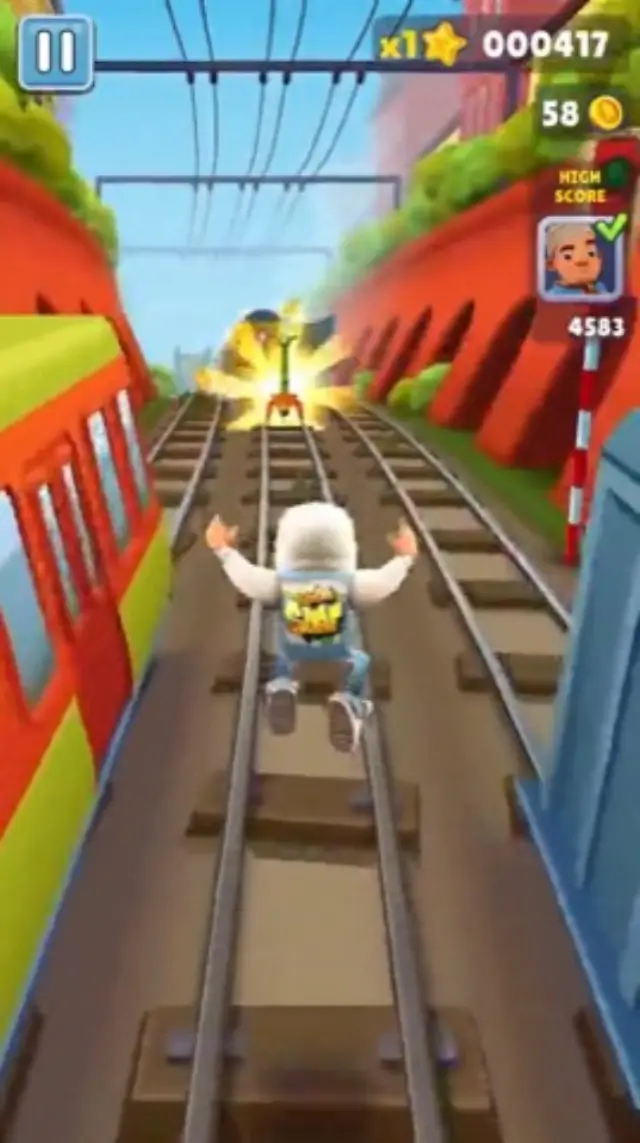
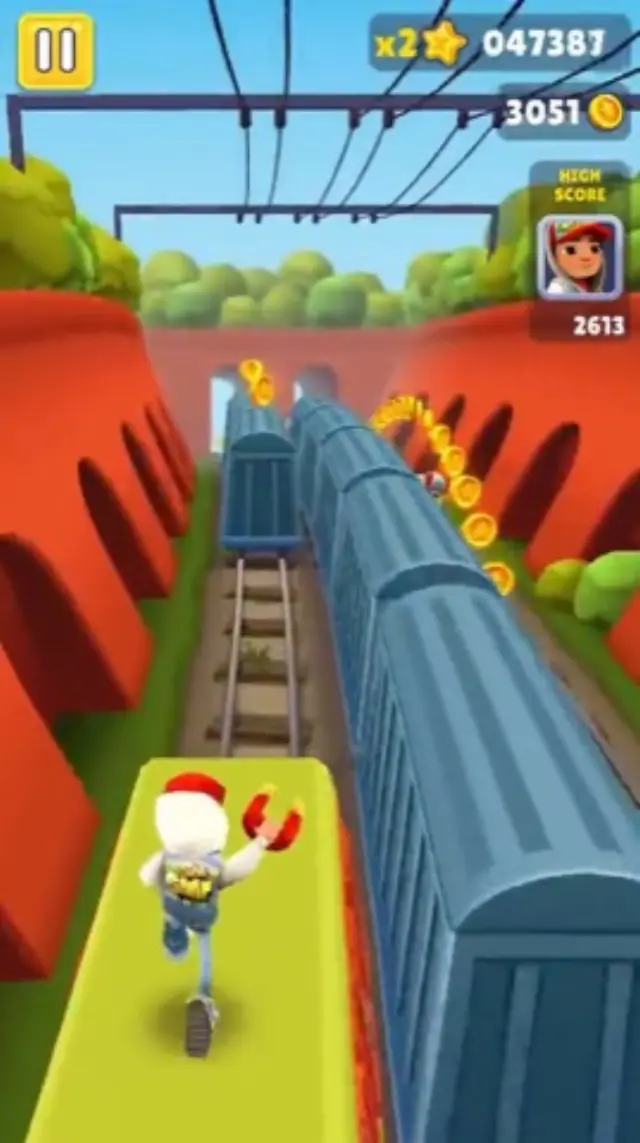
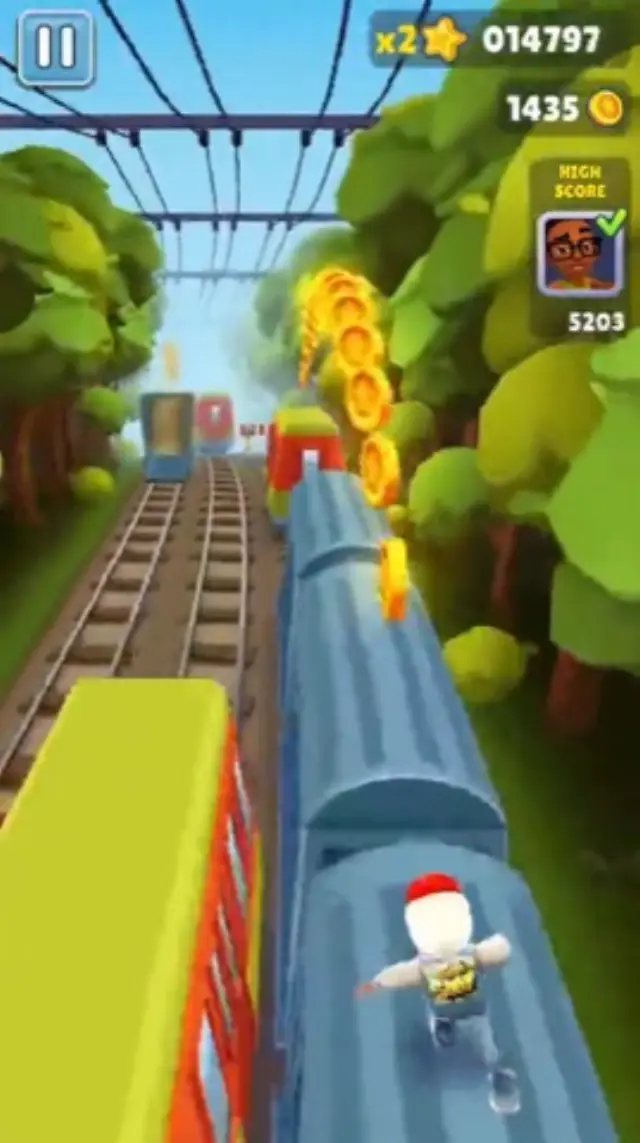
Subway Surfers
10 clipsCity, Canyon, Forest, Speedway, Neon, China, Green, Jump, Red, Snow


Upload a PDF and get a narrated brainrot video: Subway Surfers, Minecraft, or Temple Run gameplay, an AI voiceover, and captions on every line.
Lecture notes, research papers, and reports become short vertical videos for TikTok, Reels, and Shorts.
PDF to brainrot
Drop in a document, pick a gameplay loop, and get a narrated vertical video with captions that follow every line.
Mitochondria turn food into energyHow it works
Upload the document, choose the background, and open the draft in Studio to finish it.
Lecture notes, a textbook chapter, a report, or a research paper. Text-based PDFs up to 20 MB work best.
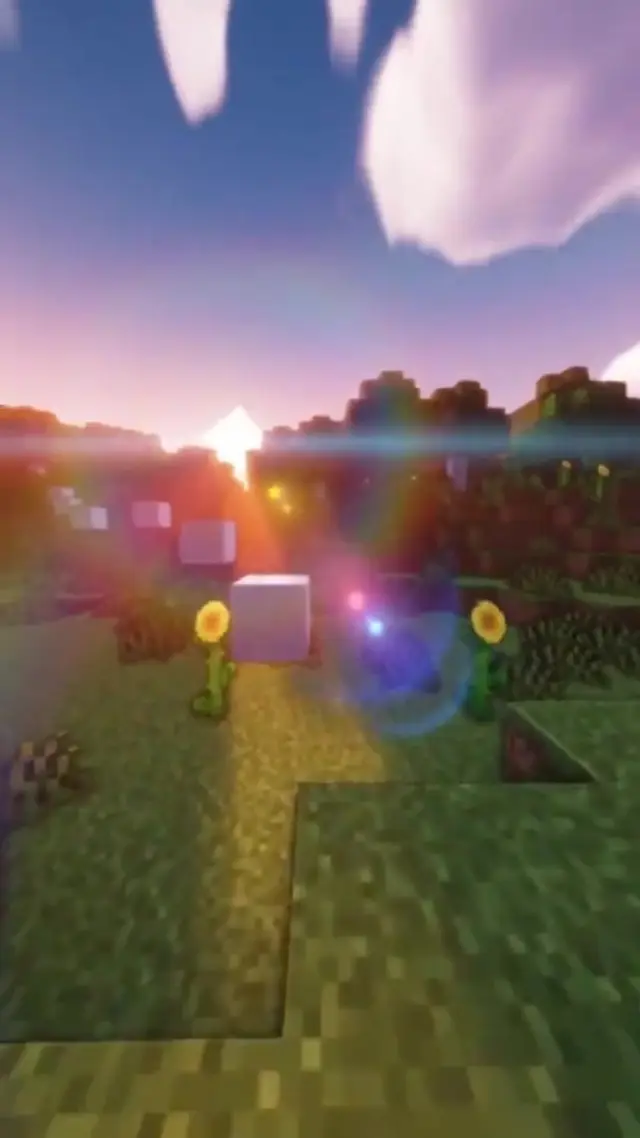
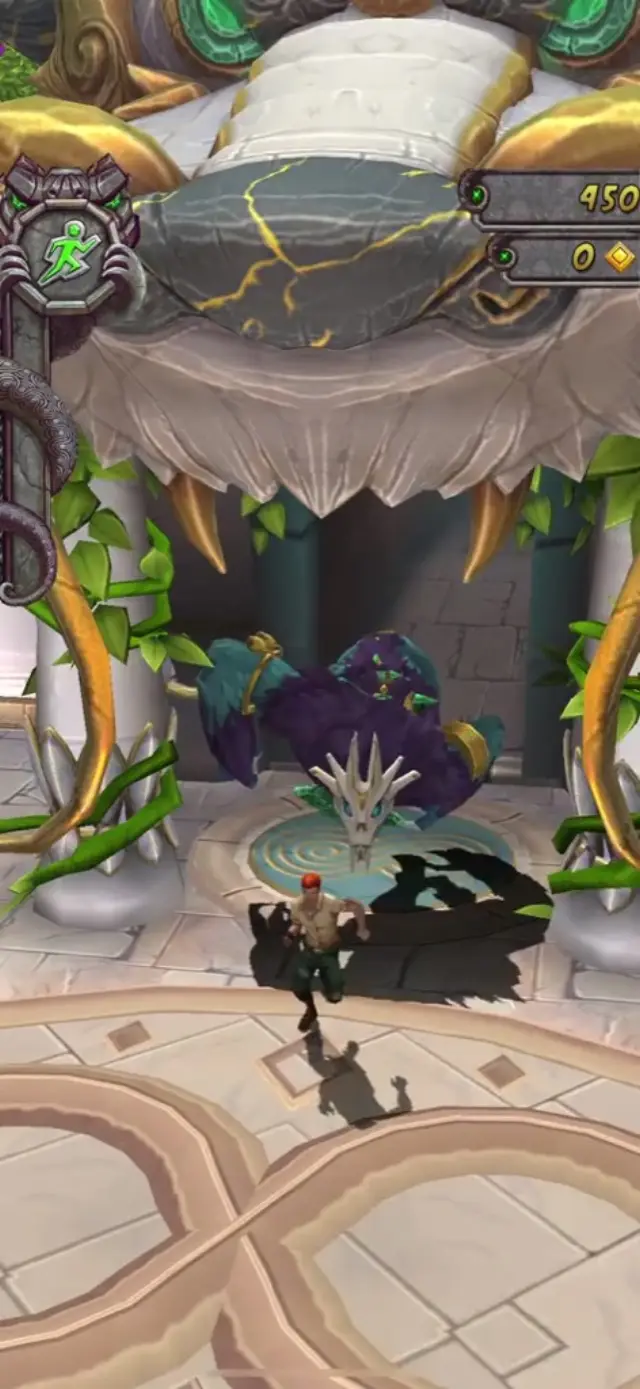
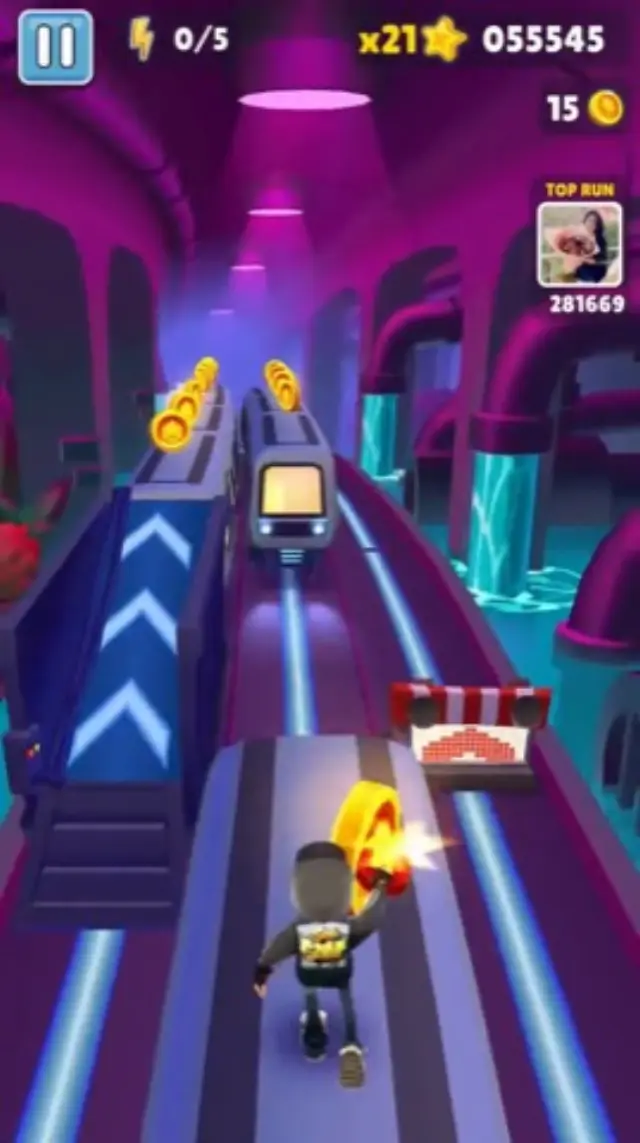
Choose a Subway Surfers, Minecraft parkour, or Temple Run loop, then set the voice, captions, and music.
 Step one: find the question
Studio turns the key points into a script, voices it, and times the captions. Adjust anything, then export for TikTok, Reels, or Shorts.
Gameplay backgrounds
Pick from 24 looping gameplay clips across three styles. Hover any clip in the builder to preview it before you choose.
City, Canyon, Forest, Speedway, Neon, China, Green, Jump, Red, Snow
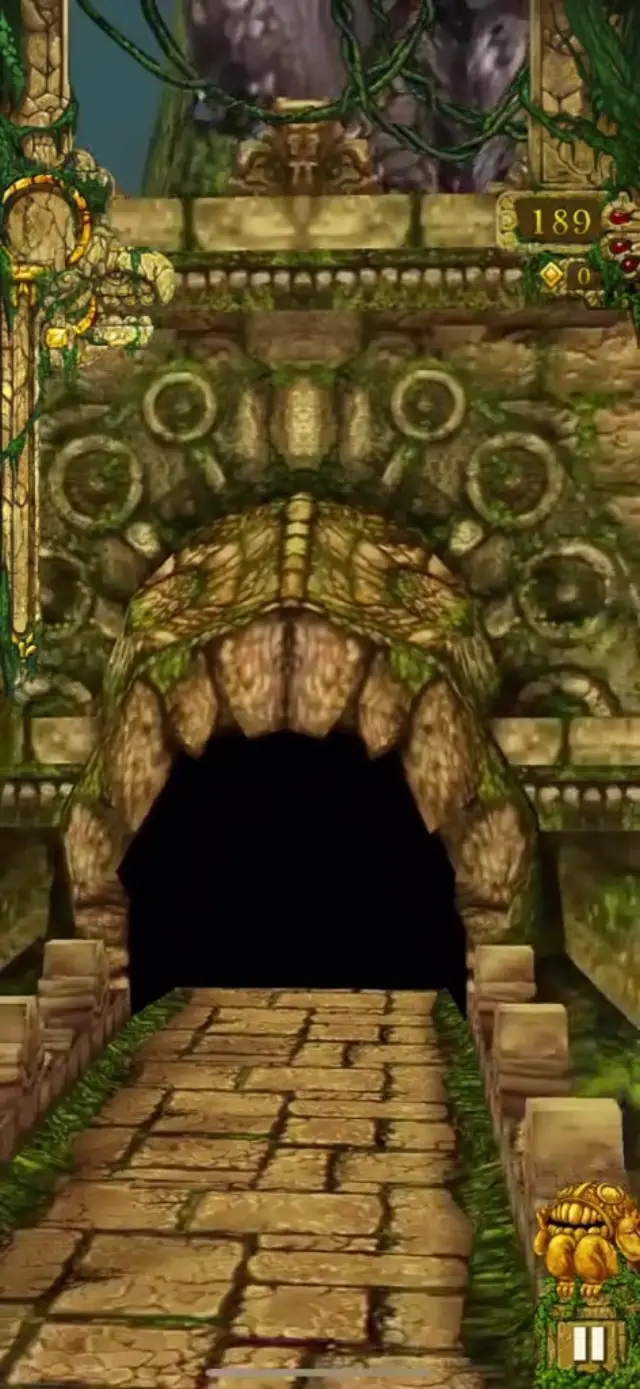
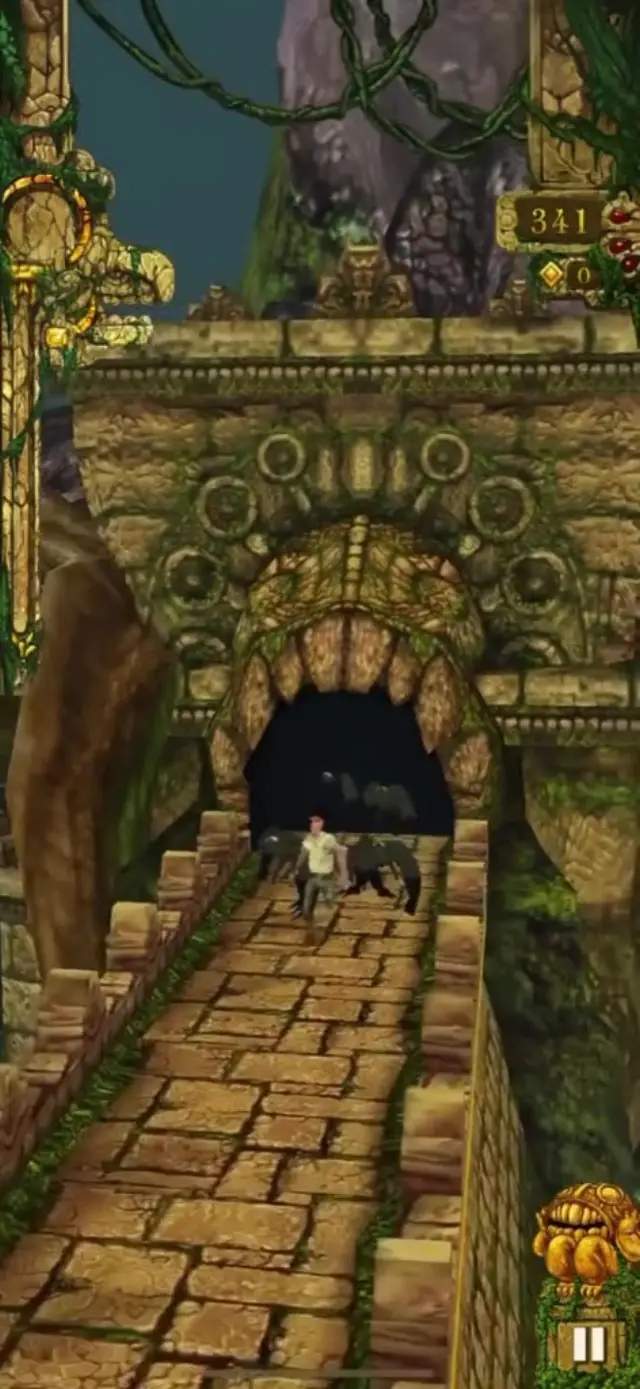
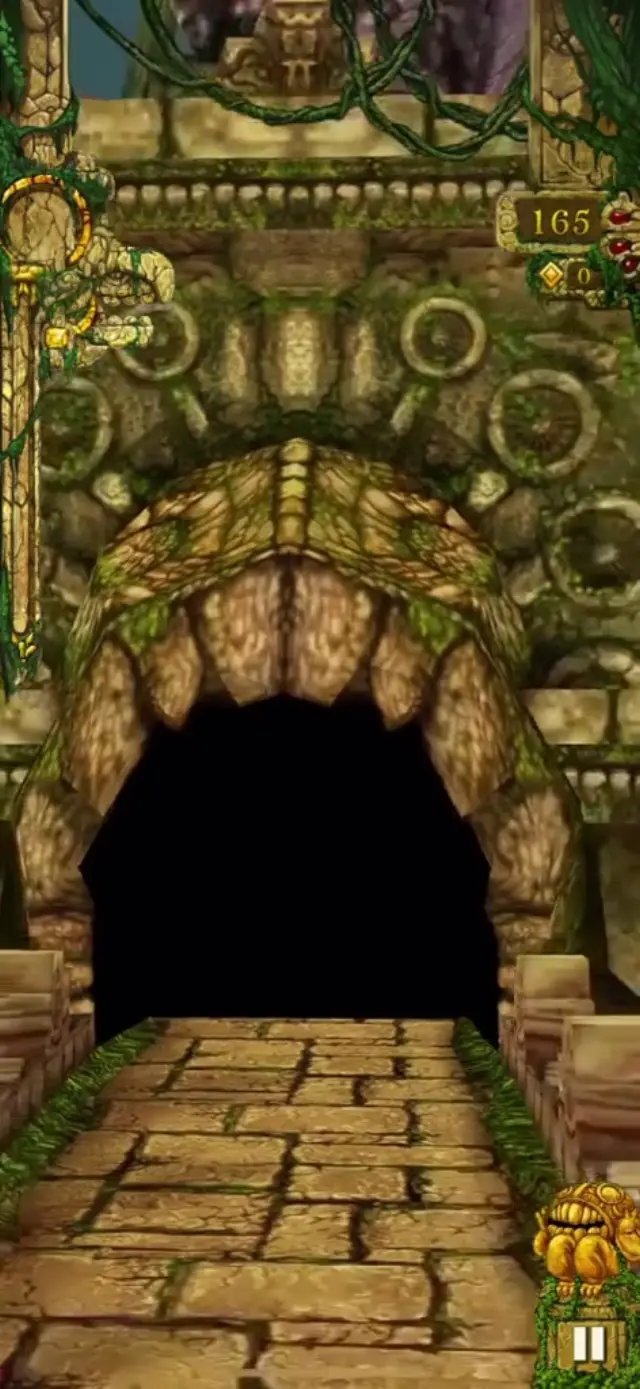
Tunnel, Vines, Chase, Bridge, Idol, Serpent, Fangs
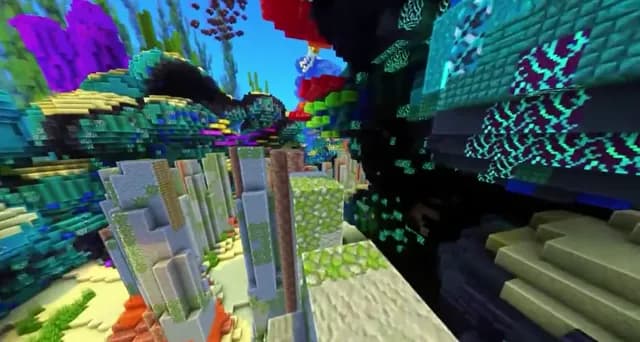
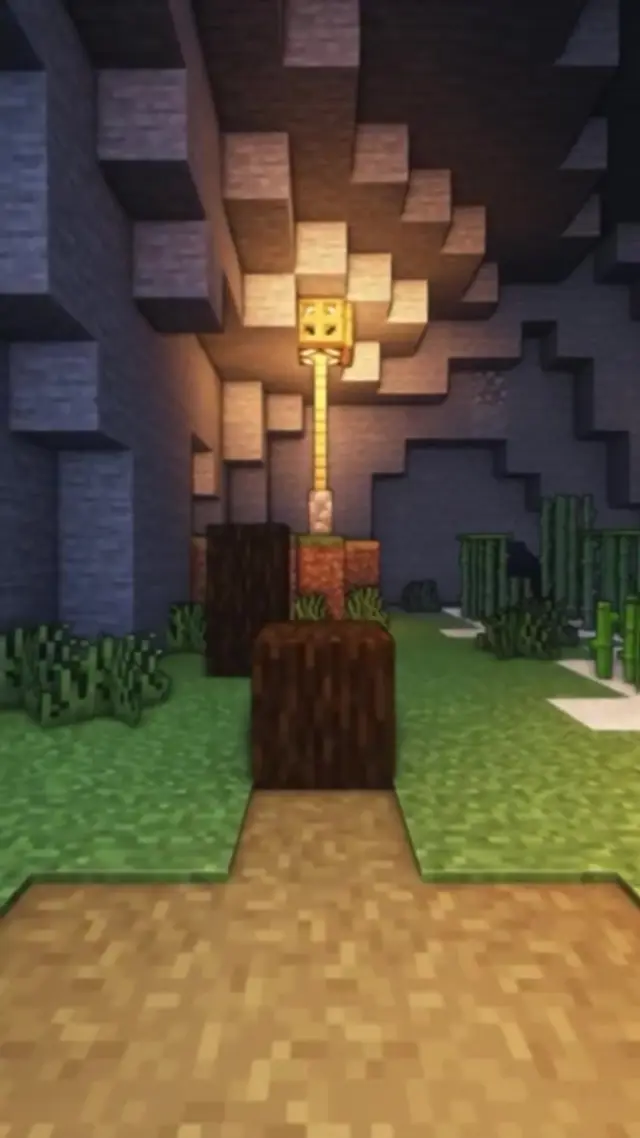
Coral, Lantern, Sunset, Hills, Night, Desert, Water
What you can make
Three kinds of documents that work well as short, narrated vertical videos.
Definitions and examples become short beats, with captions held on screen long enough to read. Turn a chapter into a review you can watch on the bus.
Plants turn light into sugarKeep the question, the evidence, and the conclusion, and drop the rest. Check figures against the paper before you publish.
 Sleep helps lock in new memories
Turn a report, guide, or long article into a narrated vertical cut for TikTok, Reels, or Shorts.
Three changes that matter mostWhy it works
Dense pages become short beats that are easier to get through, in the same vertical format as the rest of the feed.
A continuous loop keeps the screen moving while the content plays.
Each key point is read as a short spoken beat, in order.
Bold, timed captions mean the video works with the sound off.
PDF to Brainrot Video Generator
Upload a PDF, pick a gameplay background, and edit the finished short in Listnr Studio.
Continue to Listnr Studio