Your idea
A radio operator aboard a night train receives a message from the future.


Turn a written brief into a directed video draft. Set the scenes, visual source, format, voice, music, and captions here, then continue into the editable Studio workflow.
Write the visible action, direct the format and sound layer by layer, and keep the result editable.
AI Magic
Move from one visual premise to a clear prompt, media plan, voice choice, and final-video direction.
Your idea
A radio operator aboard a night train receives a message from the future.
Scene direction
Frozen valley, practical cabin light, close camera movement, restrained suspense, and one final reveal.
Final configuration
Landscape framing, cinematic visuals, clear narration, subtle music, and readable captions.
How it works
Make each creative decision once, then carry the complete direction into Studio.
Describe the audience, outcome, visible action, setting, and intended pace.
Choose aspect ratio, media source, visual preset, and quality direction.
Review voice, music, captions, B-roll, and owned media as one cohesive cut.
Open the scene plan in Studio and shape the timing, visuals, and final edit.
Watch & Learn
Review how concrete action, camera direction, scene order, and finishing choices turn one sentence into a stronger editable brief.
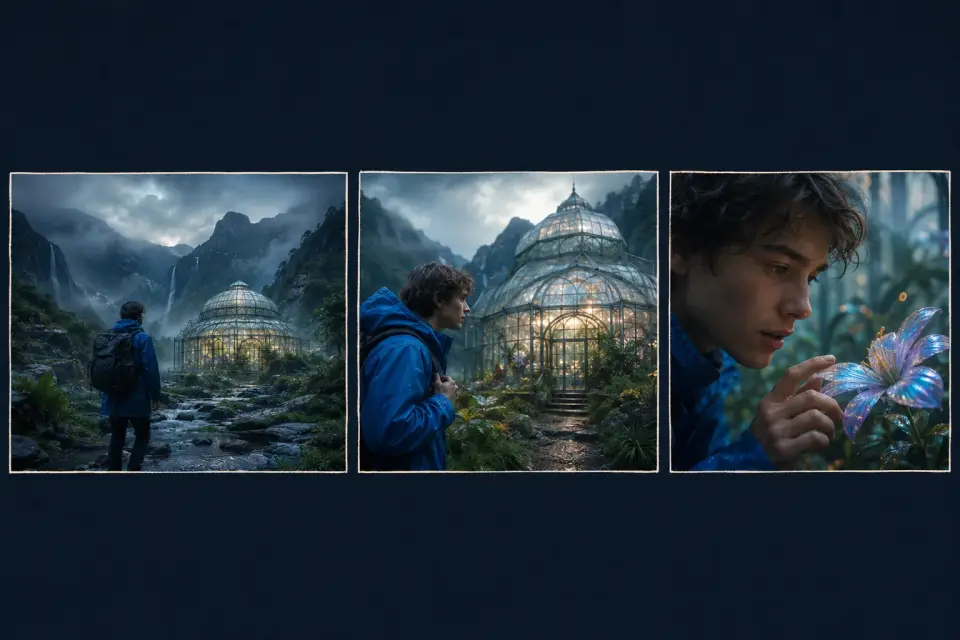
Move from an original idea to a structured video draft without coordinating a full production. Test the concept, pacing, and finish while ideas are still easy to change.
Turn campaign briefs into reviewable social, ad, and presentation videos without adding a separate production handoff to an already full schedule.
Explore fictional worlds, characters, and story arcs scene by scene before committing to a full production. Refine camera direction with each draft.
Create custom illustrative videos when stock footage cannot demonstrate a concept clearly. Pair precise visuals with narration and captions for context.
Why choose Listnr Studio
Traditional production separates the brief, picture, narration, captions, and music. Listnr keeps those choices connected in one editable prompt-led workflow.
| Feature / Benefit | Listnr Studio | Other Tools |
|---|---|---|
| Input | Listnr StudioListnr-supported benefit: Start from one detailed visual prompt and review the scene plan before generation. | Other ToolsTraditional or manual limitation: Prepare a script, storyboard, shot list, and production plan across separate tools. |
| Visual direction | Listnr StudioListnr-supported benefit: Set subject, action, camera behavior, aspect ratio, and media source in one workflow. | Other ToolsTraditional or manual limitation: Coordinate filming, licensed footage, motion design, or commissioned assets separately. |
| Voice and captions | Listnr StudioListnr-supported benefit: Review narration and caption choices alongside the visual direction. | Other ToolsTraditional or manual limitation: Record narration, transcribe dialogue, and synchronize captions during post-production. |
| Music | Listnr StudioListnr-supported benefit: Choose catalog music or no music before continuing to the editable project. | Other ToolsTraditional or manual limitation: Source, license, and edit music after the visual timeline is assembled. |
| Iteration | Listnr StudioListnr-supported benefit: Revise one scene prompt or finishing choice while preserving the rest of the project. | Other ToolsTraditional or manual limitation: Re-edit, re-record, or re-shoot every production element affected by the change. |
Example videos
Each playable placeholder represents a distinct prompt-led direction with concrete visual beats and an editable scene plan.
Describe the product, audience tension, visible proof, and final action as a short sequence.
Turn a complex idea into concrete visual beats while narration carries the exact explanation.
Define a consistent character, setting, emotional turn, and camera language for a narrative first cut.
More tools
Choose another Listnr tool for a different source, format, or storytelling job.
Swipe, use the arrow keys, or choose the scroll controls to explore 8 tools.
Prompt to Video FAQ
Get clear answers about prompting, media choices, audio, formats, editing, and sharing with Listnr.
More creation tools
Open a reviewed public Listnr tool for prompts, explainers, social formats, characters, or campaign videos.